

Settings
Settings shows who you are signed in as and lets you look after your own access.
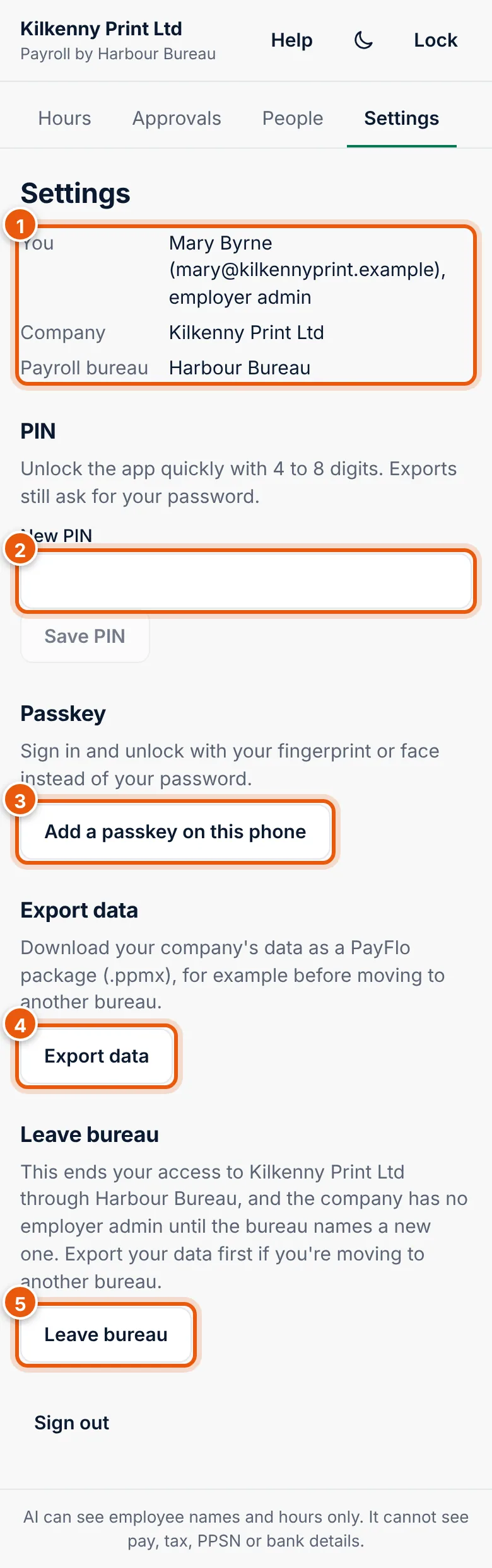
- You, Company and Payroll bureau. "employer admin" is shown after your name if you are the admin.
- PIN
- Passkey
- Export data (only with the Export data permission)
- Leave bureau
Sign out is at the bottom.
PIN
Your PIN unlocks the app quickly on this phone. It is 4 to 8 digits.
- Enter the digits in New PIN.
- Choose Save PIN. The app says PIN saved.
Choose a PIN that is not your birthday or 1234. Exports and other sensitive steps still ask for your password.
Passkey
A passkey lets you sign in and unlock with your fingerprint or face instead of your password. It is stored on your phone and never leaves it.
- Choose Add a passkey on this phone.
- Confirm with your fingerprint, face or phone screen lock.
- The app says Passkey added. You can use it to sign in and unlock.
Then use Sign in with a passkey and Unlock with a passkey. See Sign in and unlock.
Export data
You can download your company's payroll data as a PayFlo package (.ppmx), for example before moving to another bureau. Your bureau's Payroll Manager (Cloud or Desktop) can read this file.
- Choose Export data.
- If asked, confirm it's you with your password.
- Wait for Preparing…, then choose the Download link (1).
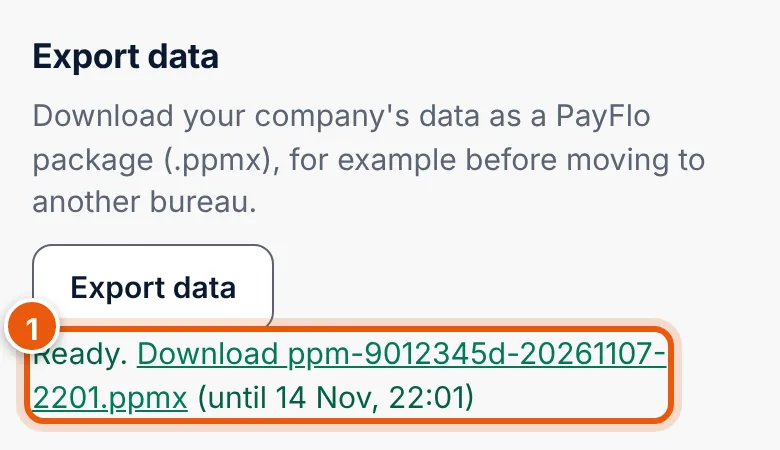
The link works until the time shown. The file contains personal data of your staff: keep it safe and do not email it unprotected.
Leave bureau
Leave bureau ends your access to your company in this app, through this bureau.
- Choose Leave bureau.
- Read the message and choose Yes, leave your bureau (1), or Cancel.
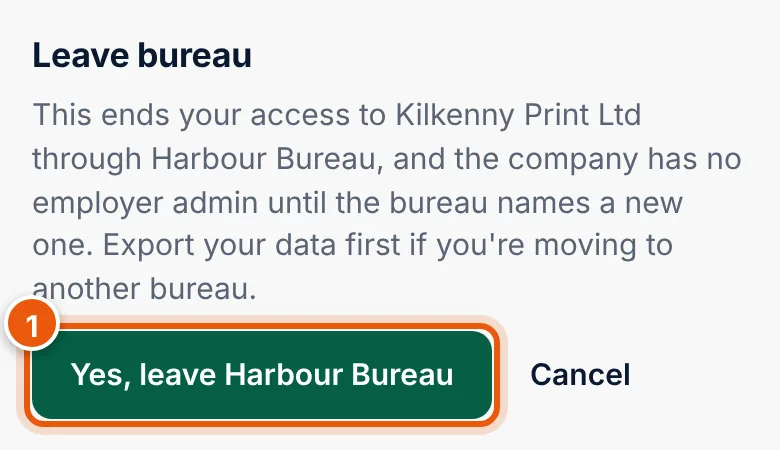
- If you are a user, you just lose access. The admin can invite you again.
- If you are the employer admin, the company has no admin until the bureau names a new one. If you are moving your payroll to another bureau, export your data first, then join the new bureau with the code they give you.
Leaving the bureau does not delete your company's payroll records: your bureau keeps them.
Sign out
Choose Sign out at the bottom of Settings. Next time you sign in with your email and password, or a passkey.